• DocsDocs
  • PricingPricing
Sign in
Get started
Sign in
Get started
    • Products
      • Sync
        Sync

        The sync engine for the agentic web

      • Comments
        Comments

        Contextual commenting

      • Notifications
        Notifications

        Smart alerts for your app

    • Platform
      • Realtime infrastructure

        Multiplayer sync for people and AI

      • SDKs & integrations

        Client libraries and framework adapters

      • Security & compliance

        SOC 2, HIPAA, GDPR

    • Agentic users

      Build agentic experiences

    • AI activity feed

      Surface AI activity in your app

    • Canvas

      Build collaborative canvases

    • Chat

      Create realtime chat experiences

    • Code editor

      Build collaborative coding experiences

    • Comments

      Add contextual discussion

    • Custom app

      Start with flexible building blocks

    • Forms

      Collect input together

    • Flowchart

      Diagram together

    • Inbox

      Keep users informed

    • Presence

      Show who is online

    • Slideshow

      Present together

    • Spreadsheet

      Collaborate on data

    • Text editor

      Edit documents together

    • Industries
      • Human resources

        Collaboration for HR & talent tools

      • Security & compliance

        Collaborative reviews for audits & evidence

      • Sales & marketing tools

        Engaging features that help sellers sell

      • Healthcare

        HIPAA-ready collaboration for care teams

      • Creative tools

        Multiplayer canvases for people & AI

      • Legal

        Secure drafting for firms & clients

      • AEC

        Collaboration for design & construction

      • Education

        Interactive realtime learning experiences

    • Users
      • Enterprise

        Realtime collaboration without a rewrite

      • Innovation

        Validate and ship multiplayer bets fast

      • Startups

        Build multiplayer products from day one

      • Individual builders

        Prototype multiplayer apps in minutes

    • Tools
      • Examples

        Gallery of open source examples

      • Showcase

        Gallery of collaborative experiences

      • Next.js Starter Kit

        Kickstart your Next.js collaborative app

      • DevTools

        Browser extension

      • Tutorial

        Step-by-step interactive tutorial

    • Company
      • Blog

        The latest from Liveblocks

      • Customers

        The teams Liveblocks empowers

      • Changelog

        Weekly product updates

      • About

        The story and team behind Liveblocks

  • Docs
  • Pricing
  • Products
    • Sync
    • Comments
    • Notifications
    Platform
    • Realtime Infrastructure
    • SDKs & integrations
    • Security & compliance
    Solutions
    • Human resources
    • Security & compliance
    • Sales & marketing tools
    • Healthcare
    • Creative tools
    • Legal
    • AEC
    • Education
    • Enterprise
    • Innovation
    • Startups
    • Individual builders
  • Use cases
    • Agentic users
    • AI activity feed
    • Canvas
    • Chat
    • Code editor
    • Comments
    • Custom app
    • Forms
    • Flowchart
    • Inbox
    • Presence
    • Slideshow
    • Spreadsheet
    • Text editor
    Technologies
    • Next.js
    • React
    • JavaScript
    • Redux
    • Zustand
    • Yjs
    • Tiptap
    • BlockNote
    • SuperDoc
    • Slate
    • Lexical
    • Quill
    • Monaco
    • CodeMirror
  • Resources
    • Documentation
    • Examples
    • Showcase
    • DevTools
    • React components
    • Next.js Starter Kit
    • Tutorial
    • Guides
    • Release notes
    Company
    • Pricing
    • Blog
    • Customers
    • Changelog
    • About
    • Contact us
    • Careers
    • Terms of service
    • Privacy policy
    • DPA
    • Security
    • Trust center
    • Subprocessors
  • HomepageSystem status
    • Github
    • Discord
    • X
    • LinkedIn
    • YouTube
    © 2026 Liveblocks Inc.
Blog/Updates

Introducing Feeds and APIs for Agent Workflows

We’re introducing new APIs for connecting agents to realtime rooms and a new Feeds primitive. This unlocks new workflows where agents can act as native users of software.

Picture of Steven Fabre
Steven Fabre on April 6th
Introducing Feeds and APIs for Agent Workflows
April 6th·5 min read
  • Picture of Steven FabreSteven Fabre
Share article
Product updatesAIUnveil Week

Ready to get started?

Join thousands of companies using Liveblocks to build multiplayer experiences for people and agents.

Get started for free

Related blog posts

  • Introducing Liveblocks Sync: the sync engine for the agentic web

    Introducing Liveblocks Sync: the sync engine for the agentic web

    Picture of Chris Nicholas
    September 1st
    Updates
  • LiveText: a new data type for collaborative text editing

    LiveText: a new data type for collaborative text editing

    Picture of Chris Nicholas
    September 1st
    Updates
  • What's new in Liveblocks: July 2026

    What's new in Liveblocks: July 2026

    Picture of Chris Nicholas
    August 4th
    Updates

AI agents are becoming native users of software, and today’s launch is about making that shift easier to build for. We’re introducing new building blocks for collaborative AI workflows: new APIs for connecting agents to realtime rooms and a new Feeds primitive. This unlocks new workflows where agents can act as native users of software.

New APIs for connecting agents to realtime rooms

Rooms are the core collaborative space in Liveblocks. They’re where people already work together in realtime, and starting today, agents and back end systems can participate more naturally too. We’re shipping new APIs that make agents feel like first-class collaborators inside a room, rather than something bolted on from the outside.

Ephemeral presence

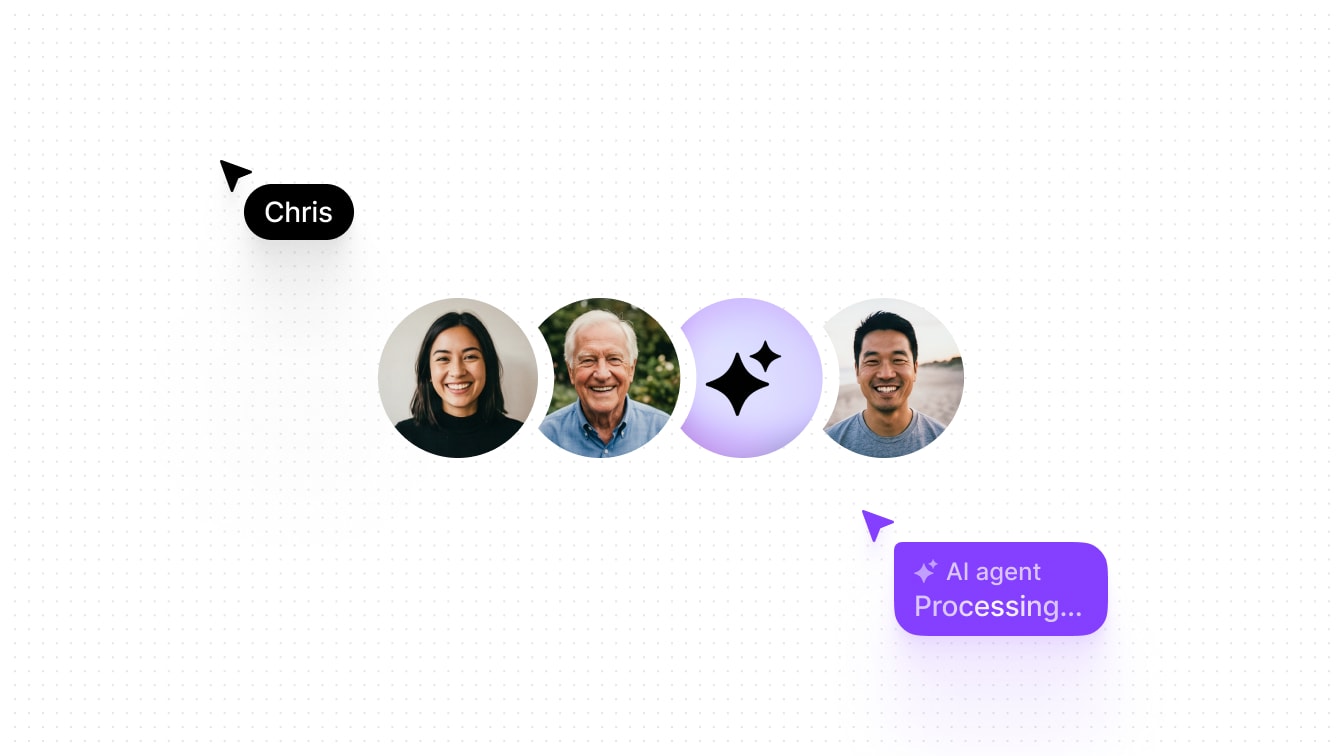
With ephemeral presence, an agent can now appear live in a room with a name, avatar, and custom presence data. That means your product can show what an agent is doing while it works, just like it would for a human collaborator.

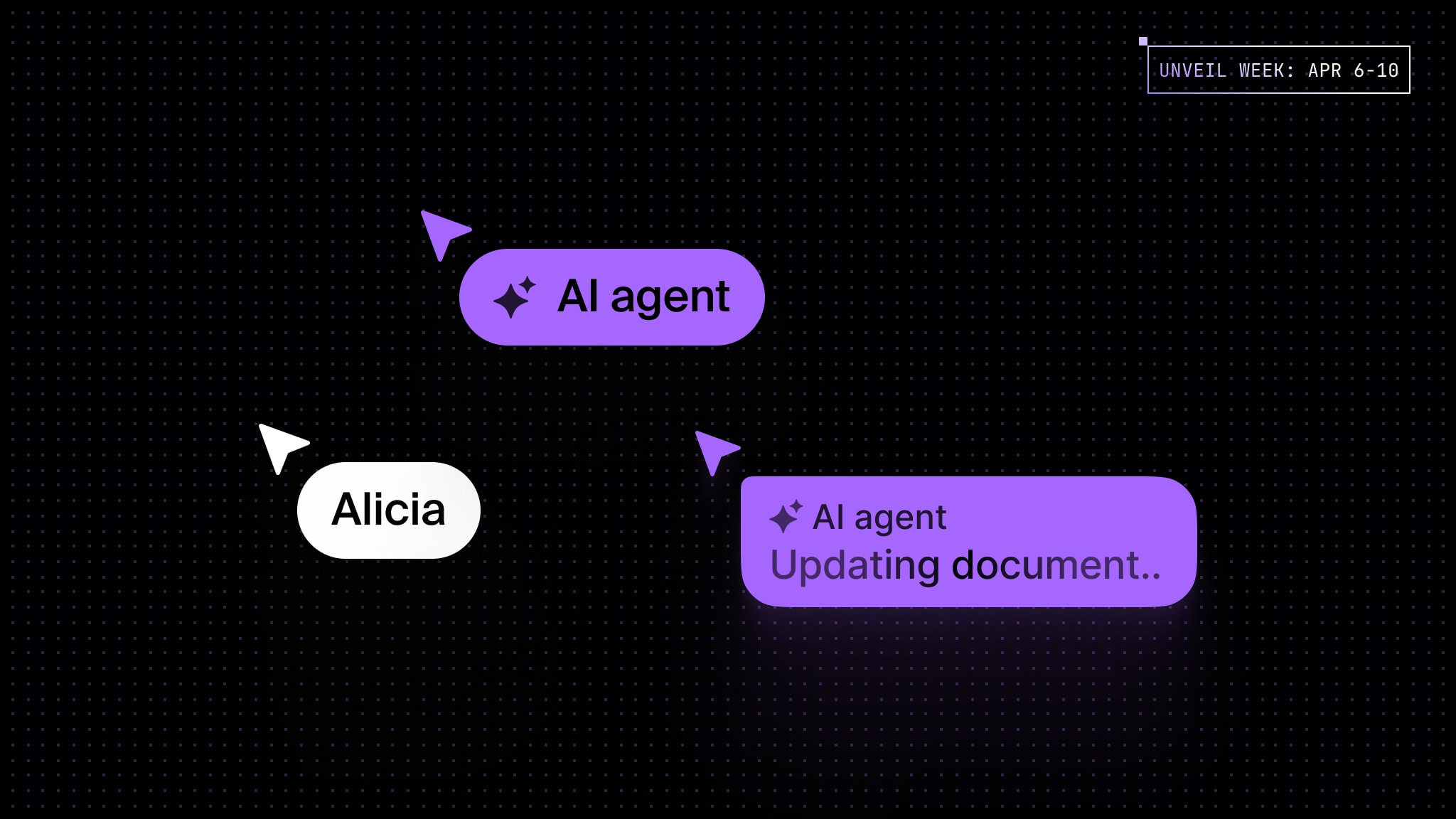
An AI agent using software as a native user

To use it, call setPresence and pass your AI’s information and presence data.

await liveblocks.setPresence("my-room-id", {  userId: "agent-123",
userInfo: { name: "AI agent", avatar: "https://example.com/avatar.png", },
data: { // Custom presence data // cursor: { x: 100, y: 200 }, },});

JSON Patch for Liveblocks Storage

We’re also introducing support for JSON Patch in our open-source sync engine, Liveblocks Storage. This is a powerful primitive which lets agents update your realtime data using a simple, structured format.

It works especially well for AI because it is easier and quicker for a model to generate a set of targeted changes than to rewrite an entire object.

const operations = [  {    op: "add",    path: "/score",    value: 42,  },  {    op: "remove",    path: "/oldKey",  },];
fetch(`https://api.liveblocks.io/v2/rooms/${roomId}/storage/json-patch`, { method: "PATCH", headers: { Authorization: `Bearer ${SECRET_KEY}`, "Content-Type": "application/json", }, body: JSON.stringify(operations),});

Learn more in our guide on modifying storage data with JSON Patch.

Read comment attachments

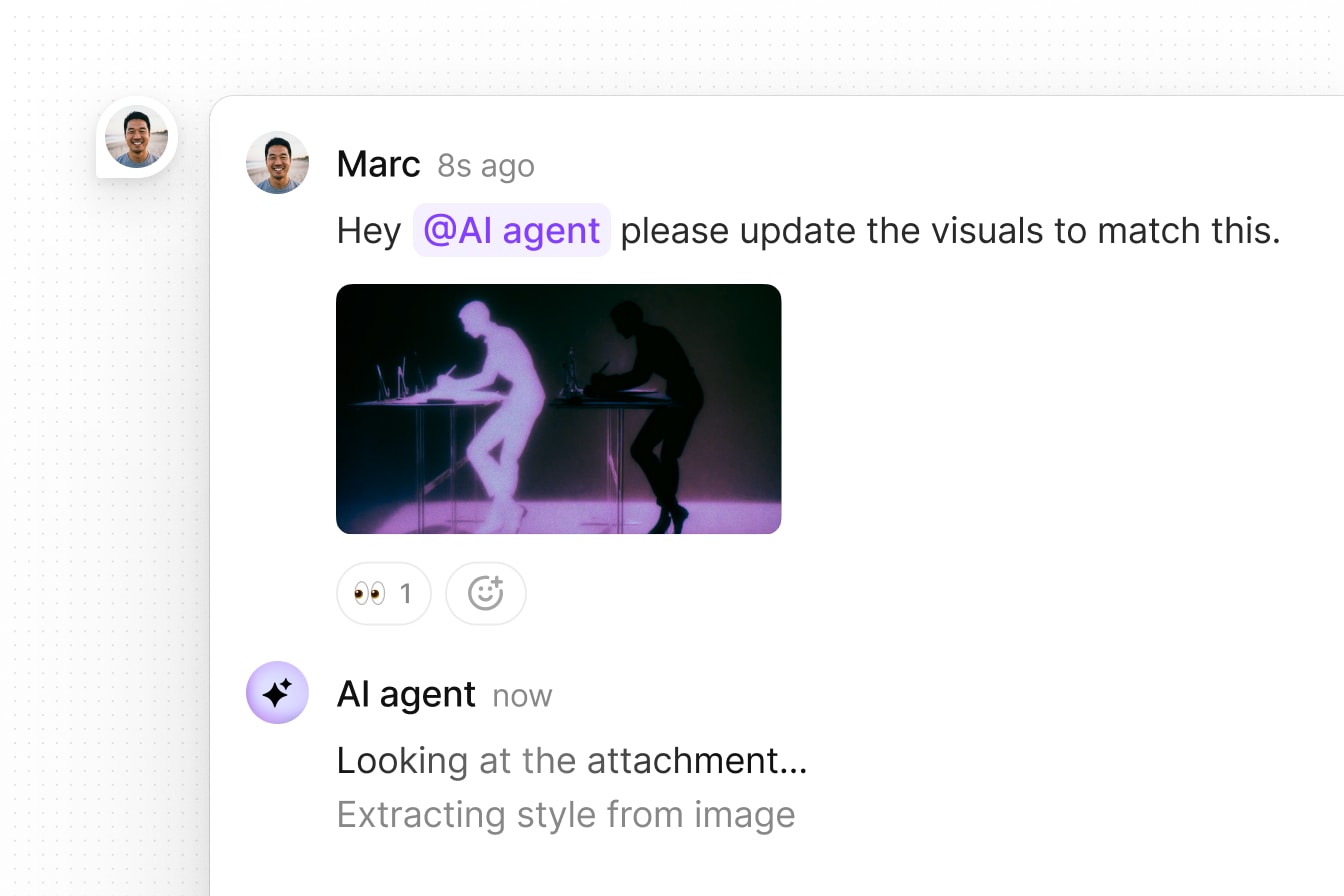
Agents can now also read and analyze comment attachments, which opens the door to richer workflows where agents process files, leave contextual feedback, and work directly inside existing collaboration flows.

An AI agent replying to comment with attachment

This is made possible with our new getAttachment method.

const attachment = await liveblocks.getAttachment({  roomId: "my-room-id",  attachmentId: "at_d75sF3...",});

Together, these APIs make it possible for agents to work inside the same collaborative surface as the user. That is the real shift.

New Feeds primitive

We’re also introducing Feeds, a new primitive for storing things like chat messages and agent activity logs.

As agents become more active, products need more than a prompt box. They need a timeline of what happened around the work itself. Feeds gives you a structured place to store things like chat messages, agent logs, and workflow events, all tied to the room where the work is happening.

Realtime updates

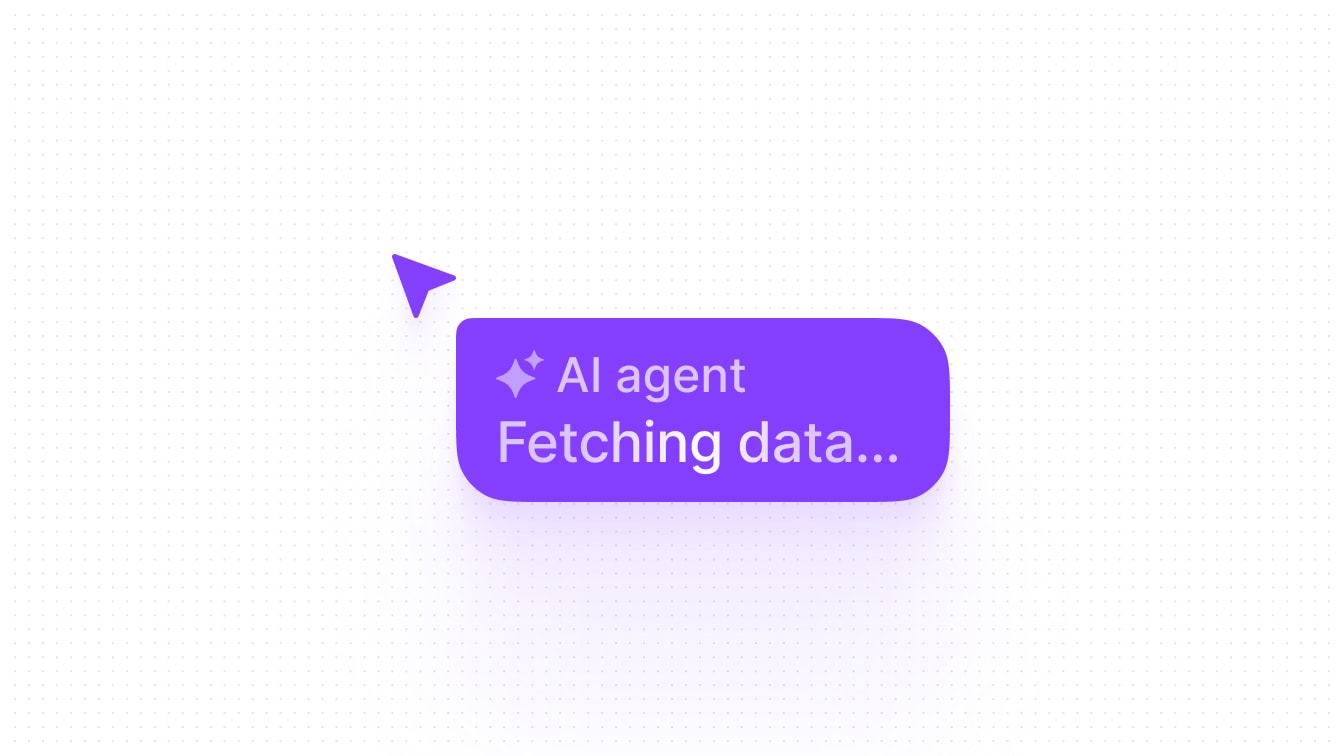
Feeds contain lists of messages which update in realtime for all connected users. In this Node.js example, we’re sending a status message to an existing feed with createFeedMessage.

await liveblocks.createFeedMessage({  roomId: "my-room-id",  feedId: "my-feed-id",
data: { status: "Fetching data…", },});

On the front end, we can show this message in our UI as soon as it’s created.

An AI agent cursor showing its status in realtime

This works using the useFeedMessages hook; it returns all messages in the feed, and automatically updates whenever a new message is sent.

import { useFeedMessages } from "@liveblocks/react/suspense";
function AgentStatus() { const { messages } = useFeedMessages("my-feed-id"); const latestMessage = messages[messages.length - 1];
return ( <div> <span>✨ AI Agent</span> {latestMessage.data.status} </div> );}

Once agents start updating state, leaving comments, or triggering workflows in the background, products need a clean way to store and display that activity. That is what Feeds is for.

Comments example

We’ve set up a Feeds example that uses a workflow to analyze your comments and leave a response. Each realtime update you see (e.g. “Thinking…”, “Writing…”) is a new feed message sent from the back end.

Try it out by tagging @AI Assistant in a comment and asking a question.

Loading

Our AI Comments example

Alongside feeds, this example also uses:

  • Comments with new comments customization APIs to insert AI responses.
  • Ephemeral presence to show the agent’s avatar in the stack.
  • Workflow SDK for AI with our comment created webhook as a trigger.

Get started now

To get started with Feeds, follow our new quickstart guide for Next.js.

Get started now

What this unlocks

These building blocks make a new class of workflows possible. A user can @ mention an agent in a comment thread to trigger a workflow. The agent can review the context, update the document, and reply in the same thread. A user can also trigger an agent from outside the product, like in Slack or Microsoft Teams, to start a back end workflow connected to a Liveblocks room.

Agents are becoming native users of software. They need to be able to act as a user would, in context, on shared data, alongside people. We're building the building blocks to make this possible in any product.

Contributions

Contributors include:jrownyctnicholas

2 authors