Sync
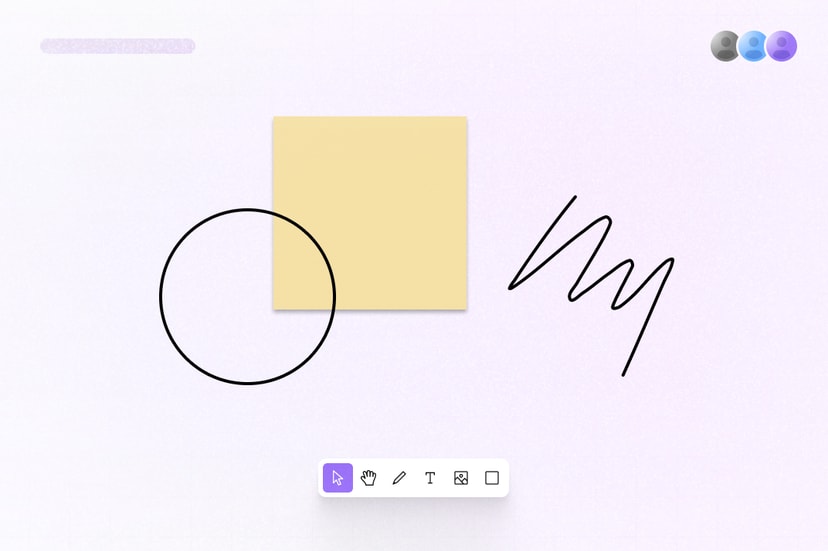
Add realtime collaboration to any application with Sync. Multiple users can edit the same document at the same time, and changes are automatically synchronized and persisted. Use cases include rich-text editors, design tools, canvases, AI chats, flowcharts, spreadsheets, and custom interfaces.
Features
Liveblocks Sync, previously known as Storage, is a hosted sync engine for building collaborative apps.
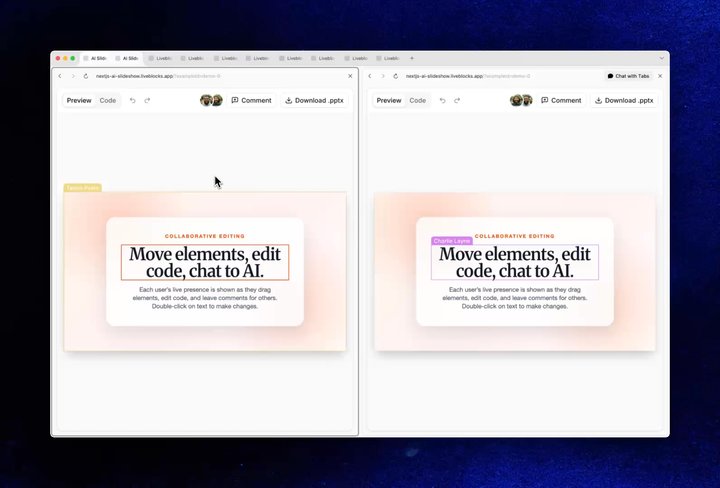
- Multiplayer collaboration: Update the same document from multiple clients.
- Conflict-free data types: Preserve simultaneous edits without writing merge logic.
- Realtime Presence: Render cursors, avatar stacks, selections, and agent activity.
- Feeds: Persist streaming chats, agent state, activity streams, and workflow messages.
- Optimistic updates: Apply changes locally, then synchronize them in the background.
- Server-side editing: Read and update collaborative documents from a trusted backend.
- Agentic editing: Allow AI agents to modify realtime data at the same time as humans.
- Multiplayer undo/redo: Give each user a history that respects other people’s edits.
- Version history: Preview and restore meaningful document snapshots.
- Permissions: Control which users, or groups of users, can read or edit each room.
- TypeScript-first data: Define data, Presence, events, user info, and shapes in TypeScript.
What is a sync engine?
Sync engines keep shared state consistent across connected clients, where those clients are humans or agents. Instead of creating an endpoint for each edit, wiring up WebSockets, and reconciling responses yourself, you update a shared document as if it were local state.
Sync distributes changes, resolves concurrent edits, persists results, and catches clients up when they reconnect. This avoids stale documents, lost updates, and race conditions when several humans, agents, devices, or tabs can edit the same state.
How to use Sync
Sync provides a number of React and JavaScript primitives for building collaborative applications.
Primitive examples
Storage is a primitive that allows you to read
and write to collaborative state, enabling you to build any kind of multiplayer
document. For example, with
useStorage and
useMutation you can build
a collaborative canvas.
Presence is another primitive that allows you to
render realtime user activity, such as realtime cursors or an avatar stack, with
the useOthers hook.
Feeds allows you to create realtime paginated
streams of data, useful for storing workflow state or AI chats. Stream messages
from client or server and display them live with
useFeedMessages.
This is just a short sample of Sync’s offering; many other primitives, hooks, components, and integrations are available for building your collaborative application.
Learn more
Dive into the different aspects of Sync in the following sections.
Storage
Persistent conflict-resolved documents
Presence
Show users, cursors, selections, and activity
Feeds
Persist workflow state, streamed chats, more
Events
Broadcast events to connected clients
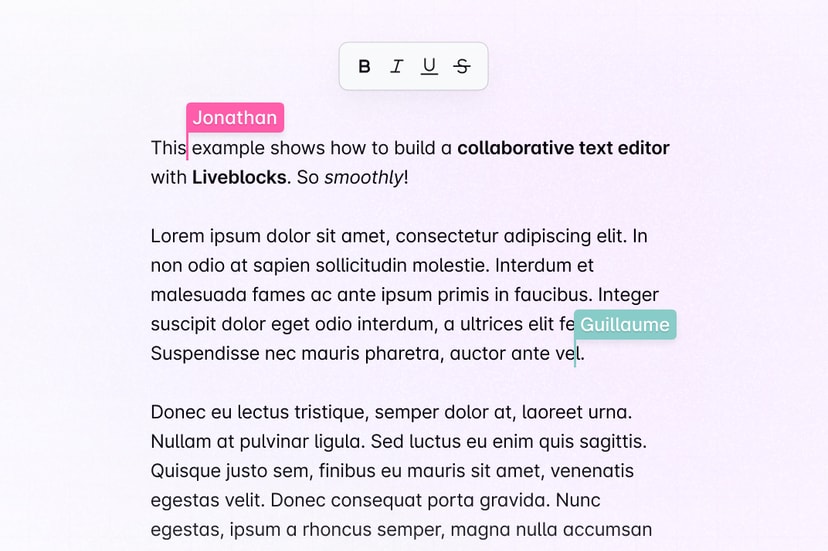
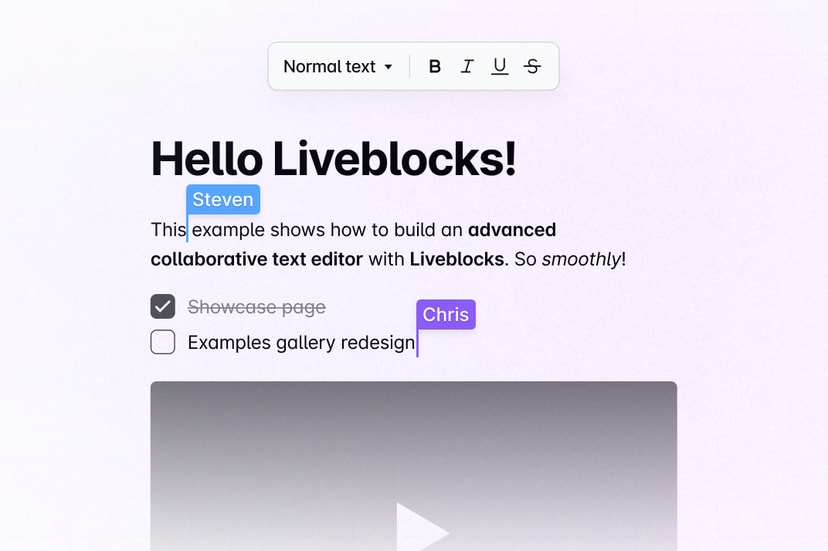
Text editing
Collaborative text editing with LiveText & Yjs
Server-side editing
Edit documents from the back end
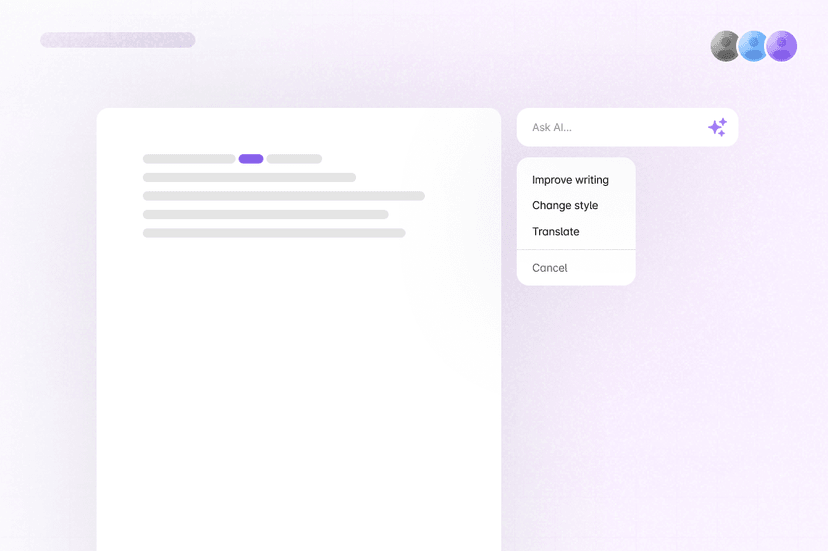
Agentic editing
Let AI agents edit shared data alongside users
Version history
Preview and restore earlier document versions
Permissions
Control who can read or edit each room
Integrations
Connect editors, diagrams, and state libraries
Yjs
Use the Yjs ecosystem with Liveblocks