Get started with receiving custom notifications webhook events using Liveblocks and Next.js
Liveblocks is a realtime collaboration infrastructure for building performant
collaborative experiences. Follow this guide to receive webhooks events for
custom notifications
using methods from @liveblocks/node.
Quickstart
Install Liveblocks Node
Every Liveblocks package should use the same version.
TerminalTrigger a custom notification
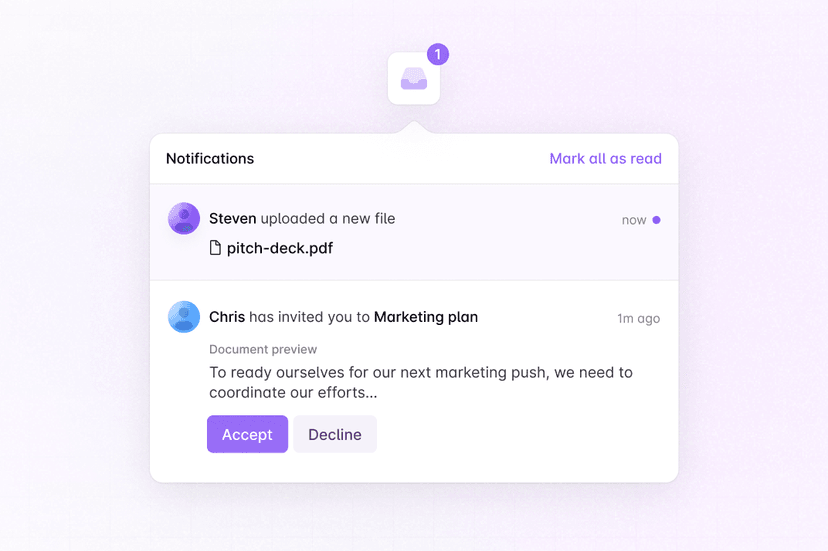
Trigger a custom notification using
triggerInboxNotificationfrom a server action or route handler. In this example, a custom$fileUploadednotification is sent.Follow our guide
Follow our step-by-step guide to learn set up webhooks notifications.
How to notify users with webhooks
What to read next
Congratulations! You've set up webhooks notifications in your Next.js application.